In many phone-number groups you can browse profiles. Group calls can show numbers. Locksee does neither.
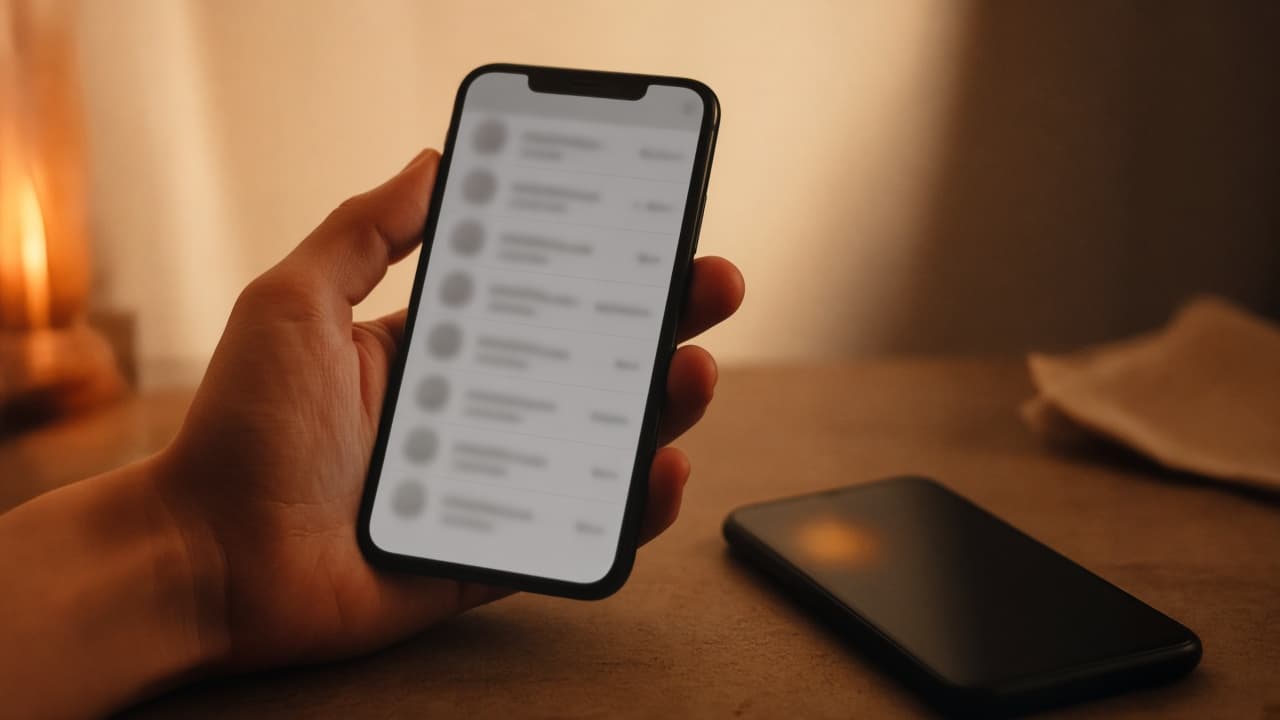
Think about the last big WhatsApp group you were added to. Housing. School. A wedding. You can often tap a name and see a photo, a number, a way out to their chat. The group was a room. It also became a directory.
The quiet leak in group calls
Add someone to a WhatsApp-style group call and the room can pick up a number they never meant to publish there. You invited a voice. The app invited a SIM.
That is how a private call becomes a contact-harvesting event. Nobody has to be malicious. The design does the work.
What sealed means on Locksee
Adding someone to a Locksee group or group call does not hand the room their number, profile, or QR. Members are not a browseable list. You invited a person — not a public card.
That pairs with QR identity. There is no phone book to leak because the phone book was never the product.
When a group still makes sense
Project teams. Family trips. A circle that should stay small. Use groups when the point is the conversation, not the address book. If someone should not be able to add you, per-chat group permission can close that too.
Try the controls
Flip per-chat privacy on the home page, or read the official feature list.