Most apps give you one privacy setting for everyone. Locksee lets you turn off profile, last seen, or calls for a single chat.
A contractor does not need to see your face. A distant relative does not need to ring you at 11 p.m. A classmate from ten years ago does not need last seen. On most messengers you either live with it, or you mute the whole app.
All-or-nothing privacy is a design flaw
WhatsApp-style settings are usually global: last seen for everyone, profile photo for everyone, about for everyone. Exceptions exist, but they are easy to miss and hard to keep straight. The default is still “one policy, entire address book”.
That is how you end up leaving calls on for a person you would never pick up. Blocking feels nuclear. Leaving the door open feels rude. There is no middle switch.
What you can switch on Locksee
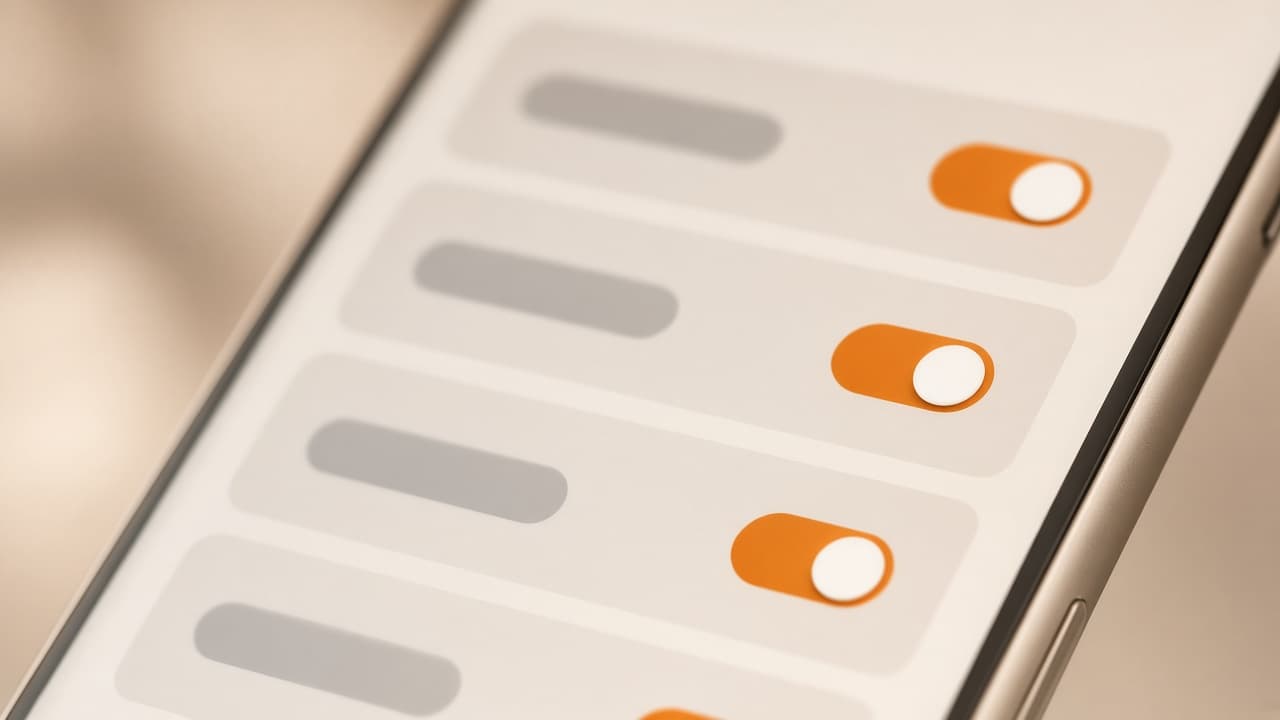
Open one chat. Customize privacy. Those toggles apply to that person only: profile picture, last seen, online status, lock view, audio and video calls, group permission, screenshots, notifications, QR share.
Turn profile picture off and they keep the thread — they just do not see your face. Turn calls off and they cannot ring you. The rest of your contacts are untouched.
Why this matters more than a mute button
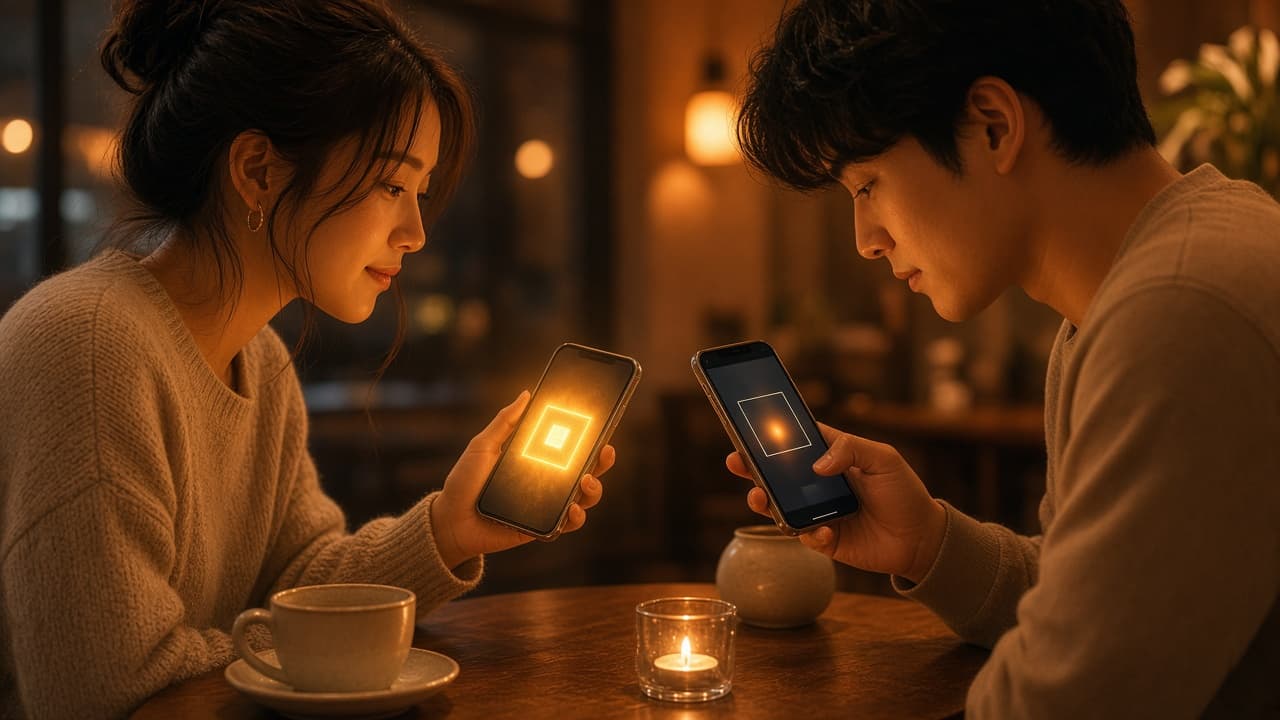
Mute hides noise. It does not hide a photo. It does not stop a call from lighting up a shared table. Per-chat permissions are about access, not volume.
If you only remember one Locksee habit, remember this: privacy is per person. Walk through it on the site — the home page demo lets you flip every toggle and watch the other phone change.
Try the controls
Flip per-chat privacy on the home page, or read the official feature list.