Other private messengers encrypt messages. Locksee also drops the phone number, alerts QR shares, hides group profiles, and lets you block calls per person.
This is not a hate piece. WhatsApp works because your aunt is already there. Signal works because it takes encryption seriously. Locksee is for a different door: you should not need a phone number to be a person in a chat.
What the big apps get right
End-to-end encryption for chats is no longer rare. Voice and video can be encrypted too. Disappearing messages exist. Some apps lock the whole app. Those are table stakes. Locksee has them as well.
Where phone-number apps still slip
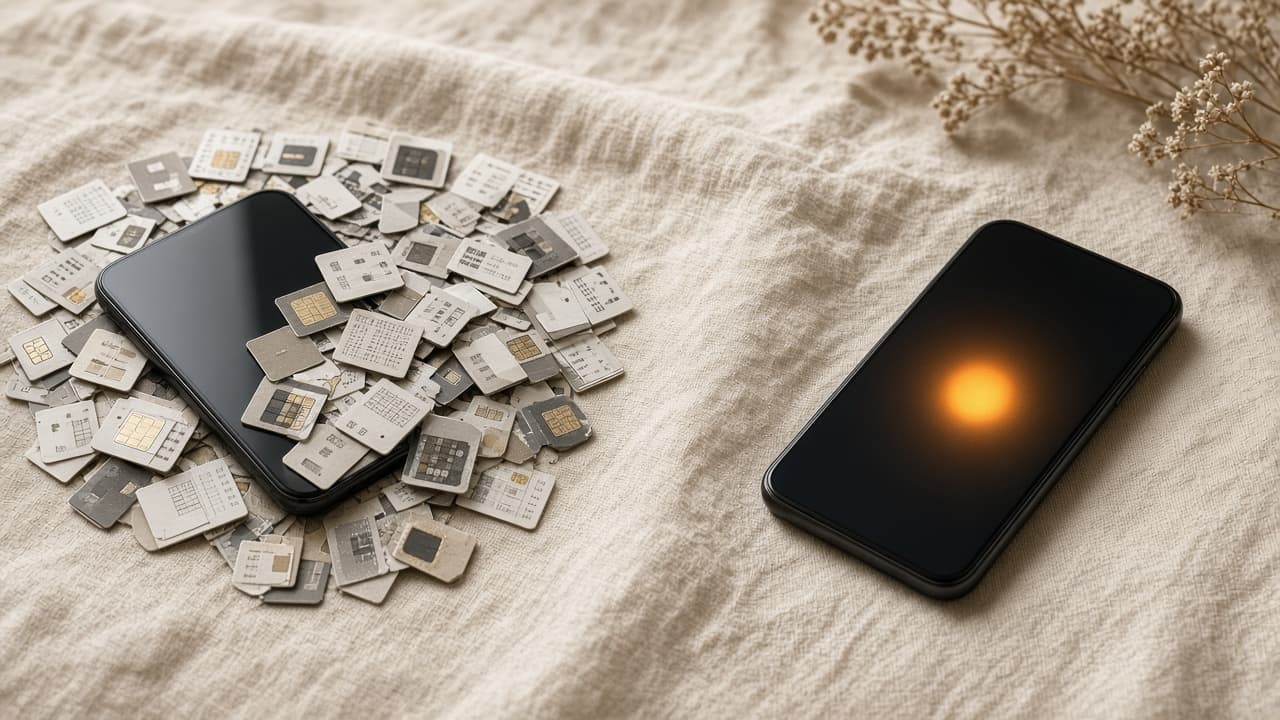
Identity. WhatsApp is a number. Signal is a number. That number is how spam finds you, how groups become directories, how a call can expose a SIM to a room.
Presence. Being online often means looking available. Privacy is mostly global. You cannot cleanly say: this one person cannot ring me, and they also do not get my photo.
Groups. Members can often open profiles. Group calls can leak numbers. The room is a conversation and an address book at the same time.
What Locksee adds
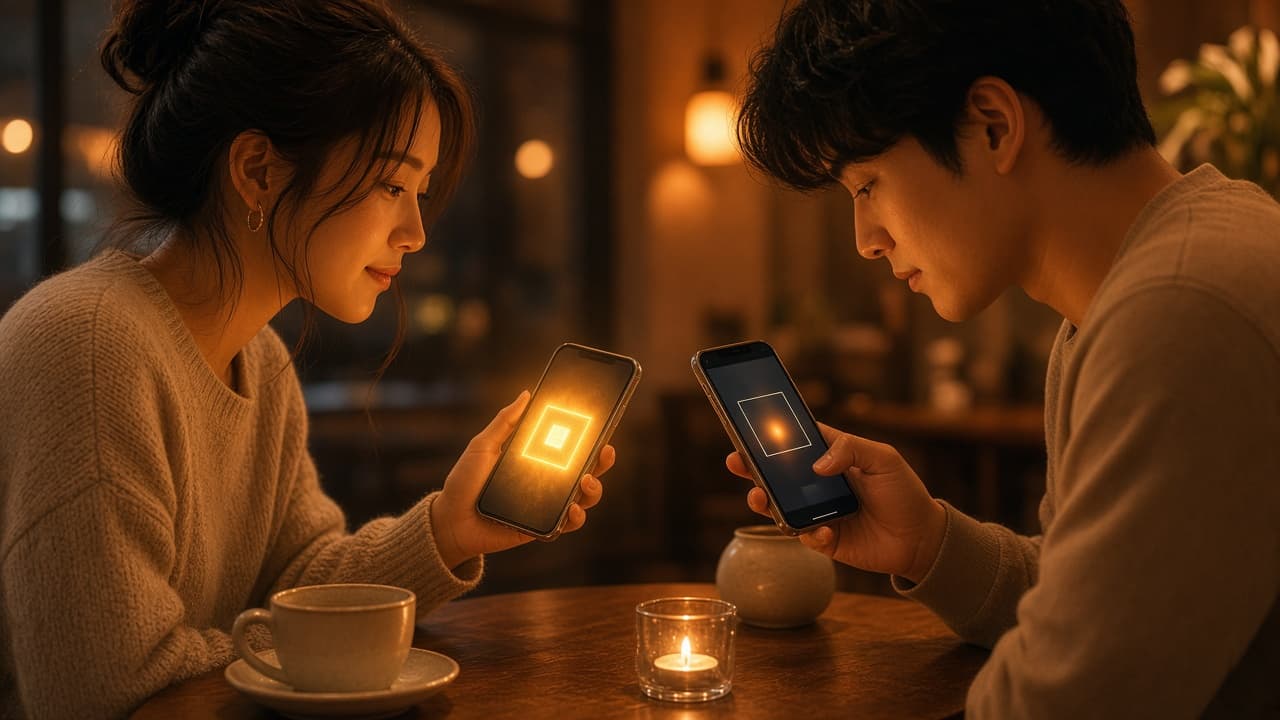
QR identity instead of a phone number. QR share alert if someone tries to pass your code on. A scan limit so a code can die. Ghost Mode. Per-chat permissions, including call block for one person. Wallpaper for one chat. Sealed groups and group calls. Lock Chat. Screenshot protection. Zero data collection as a product stance — read the Privacy Policy for the legal wording.
We do not invent ratings to win a comparison table. Apps change. The honest test is: can a stranger reach you with only a number? Can a group browse you? Can one person still call after you asked them not to? Locksee is built so those answers can be no.
Try the live privacy demo on locksee.app, or read the full feature list on /about. Free on the App Store and Google Play.
Try the controls
Flip per-chat privacy on the home page, or read the official feature list.