On WhatsApp, being connected often means you look free. Locksee Ghost Mode splits the network from the presence.
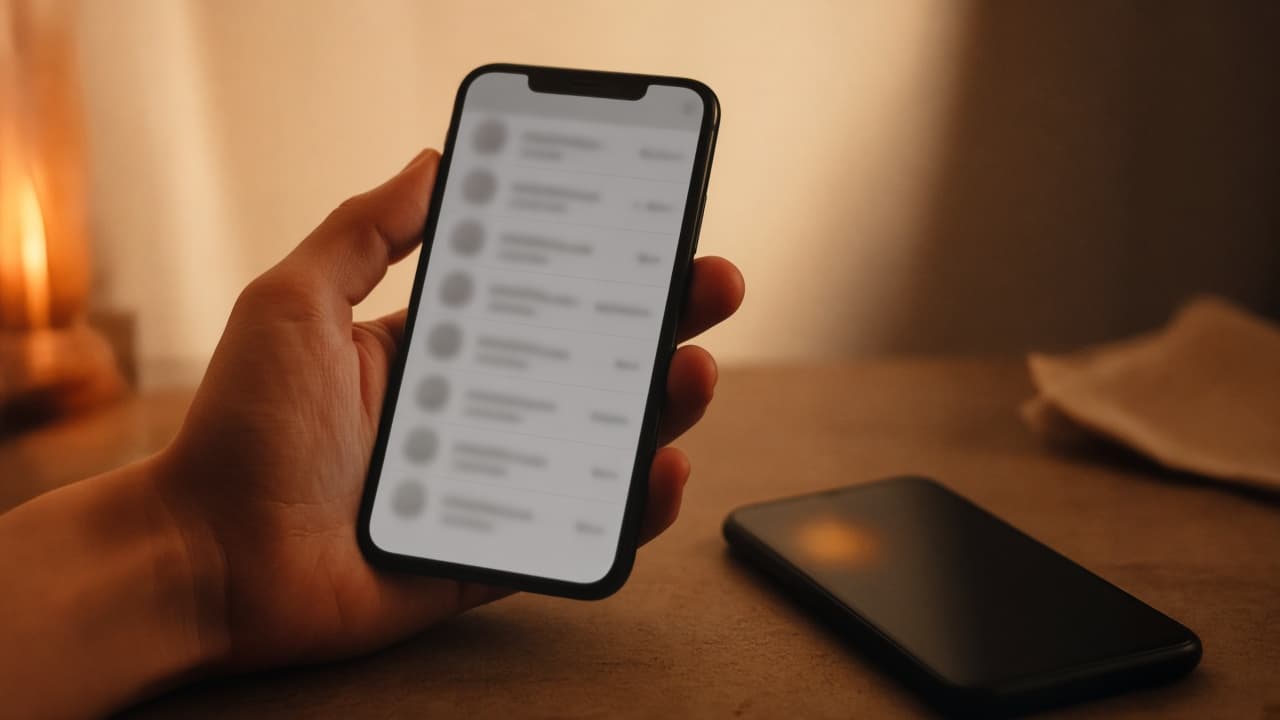
You know the feeling. You open the app to send one message. Two ticks later someone calls because they saw you “online”. You were not free. You were just connected.
The WhatsApp-shaped habit
Phone-number messengers trained us to treat a green dot as a social contract. Last seen becomes a scoreboard. People argue about who was online and did not reply. The app did not invent that behaviour, but it rewards it.
You can hide last seen globally on some apps. That is a blunt tool. It also does not always hide the fact that a message just delivered, or that a call is ringing through.
What Ghost Mode does
On Locksee, Ghost Mode lets the internet stay on while you appear offline. Incoming chats and calls do not mark you as available. You wanted the network. You did not offer your presence.
Pair it with per-chat controls if you need something narrower: hide online status from one person, keep it for family. Privacy does not have to be all-or-nothing.
When people actually use it
Late work. Travel. A hard week. A group chat that pings every time you surface. Ghost Mode is for those hours when you still need to send something — without opening the floor.
It is a switch, not a personality. Turn it off when you want to be seen. Official note: locksee.app/about#ghost-mode.
Try the controls
Flip per-chat privacy on the home page, or read the official feature list.